
Guide of Free QR Code Generator
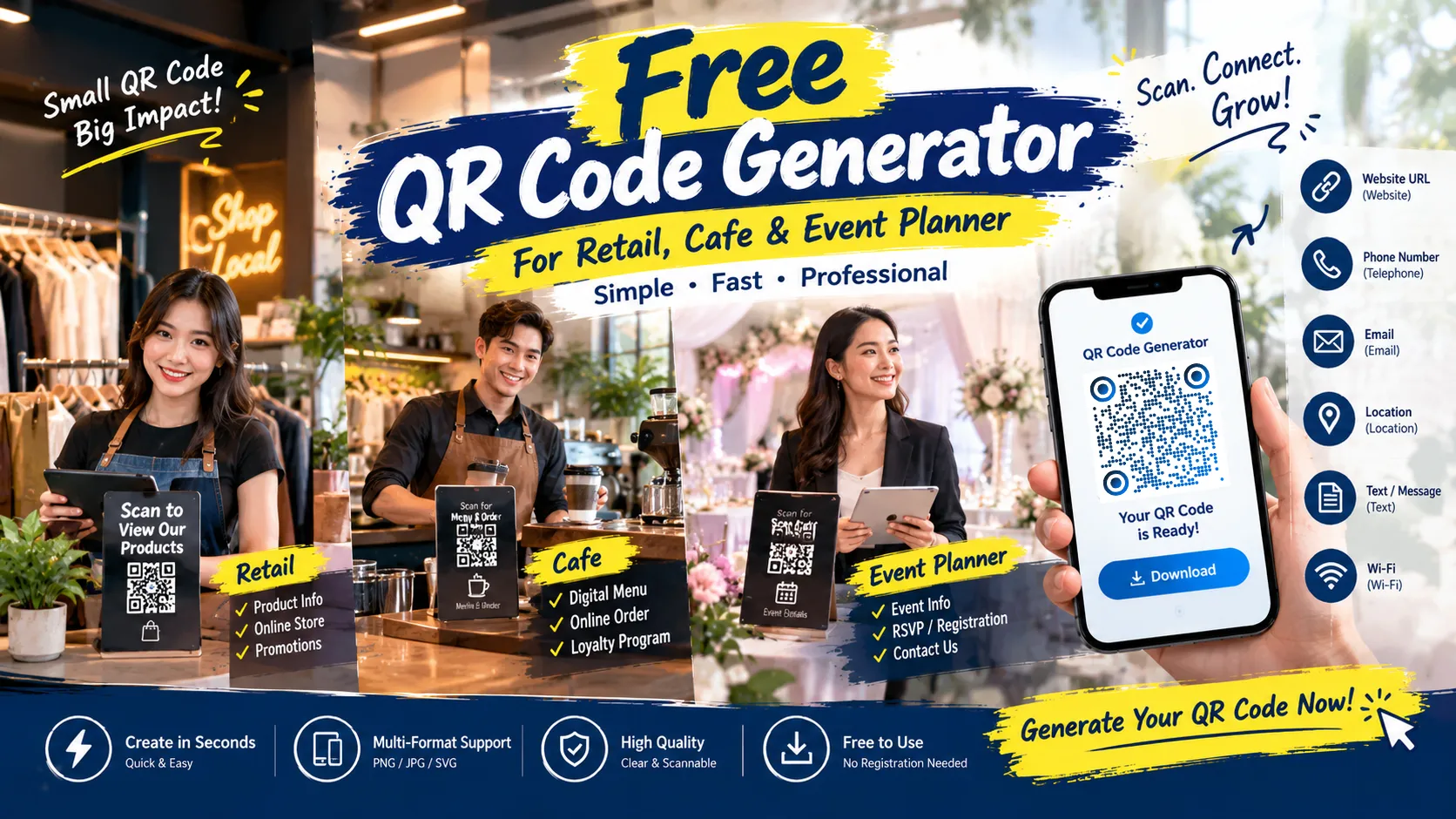
Create your own QR codes in seconds with our Free QR Code Generator! Whether you need a QR code for your business, restaurant, event, or personal use, our .....
Free QR Code Generator
Create QR Codes for Links, WhatsApp, Wi-Fi & More
No complicated setup. No special software required. Just enter your information, generate your QR code, and share it with the world.
🚀 What Can You Create with Our Free QR Code Generator?
Free
QR Code Generator
Links, WhatsApp, Wi-Fi, contact cards, locations, events… make good-looking, easy-to-scan QR codes, download PNG / SVG or print a sheet.
Website & URL QR Codes
1.
Make it easy for customers to visit your website, online store, portfolio, or landing page.
Perfect for:
- Business websites
- Online shops
- Social media profiles
- Marketing campaigns
- Digital menus
Instead of asking people to type a long web address, let them scan your QR code to open the link.WhatsApp QR Codes
2.
Help customers contact you directly through WhatsApp.
Create a QR code that opens a WhatsApp conversation with your business number. You can also prepare a message for customers to send.
Perfect for:
- Business enquiries
- Customer support
- Product orders
- Appointment bookings
- Restaurant reservations
Print your WhatsApp QR code on business cards, flyers, packaging, or storefront displays.Wi-Fi QR Codes
3.
Make connecting to Wi-Fi easier for your guests.
Generate a QR code containing your Wi-Fi network name and password. Compatible phones can scan the code to connect without manually typing the credentials.
Perfect for:
- Cafés and restaurants
- Hotels and homestays
- Offices
- Guest rooms
- Events and meeting spaces
Tip: Only display Wi-Fi QR codes where you are comfortable sharing access to that network.Contact Card QR Codes
4.
Make networking easier with a QR code containing your contact information.
Depending on the information format and phone compatibility, visitors may be able to save your details directly to their contacts.
Perfect for:
- Business owners
- Sales representatives
- Freelancers
- Job seekers
- Professional networking events
Share your contact details without handing out stacks of paper business cards.Location QR Codes
5.
Help customers find your business or event venue.
Create a QR code that opens a location or map link on a compatible device.
Perfect for:
- Restaurants
- Retail shops
- Offices
- Wedding venues
- Meeting locations
- Tourist attractions
Add the QR code to invitations, posters, receipts, or delivery packaging to help people find you.Event QR Codes
6.
Make event information easier to access.
Generate QR codes linking to event registration pages, online invitations, event details, or calendar links.
Perfect for:
- Workshops
- Seminars
- Corporate events
- Weddings
- School activities
- Community gatherings
Guests can scan the code to access the information you provide.
🎨 Download Beautiful QR Codes in PNG or SVG
PNG — Ideal for everyday use
- Add QR codes to posters and flyers.
- Share them on social media.
- Insert them into documents and presentations.
- Use them in digital marketing materials.
SVG — Ideal for scalable designs
- Resize the QR code without losing vector sharpness.
- Use it in supported graphic design applications.
- Prepare artwork for professional printing.
You can also print a sheet of QR codes if your generator supports sheet printing, making it convenient to prepare multiple codes for labels, products, or business materials.
Available download formats and printing options depend on the features enabled in the generator.
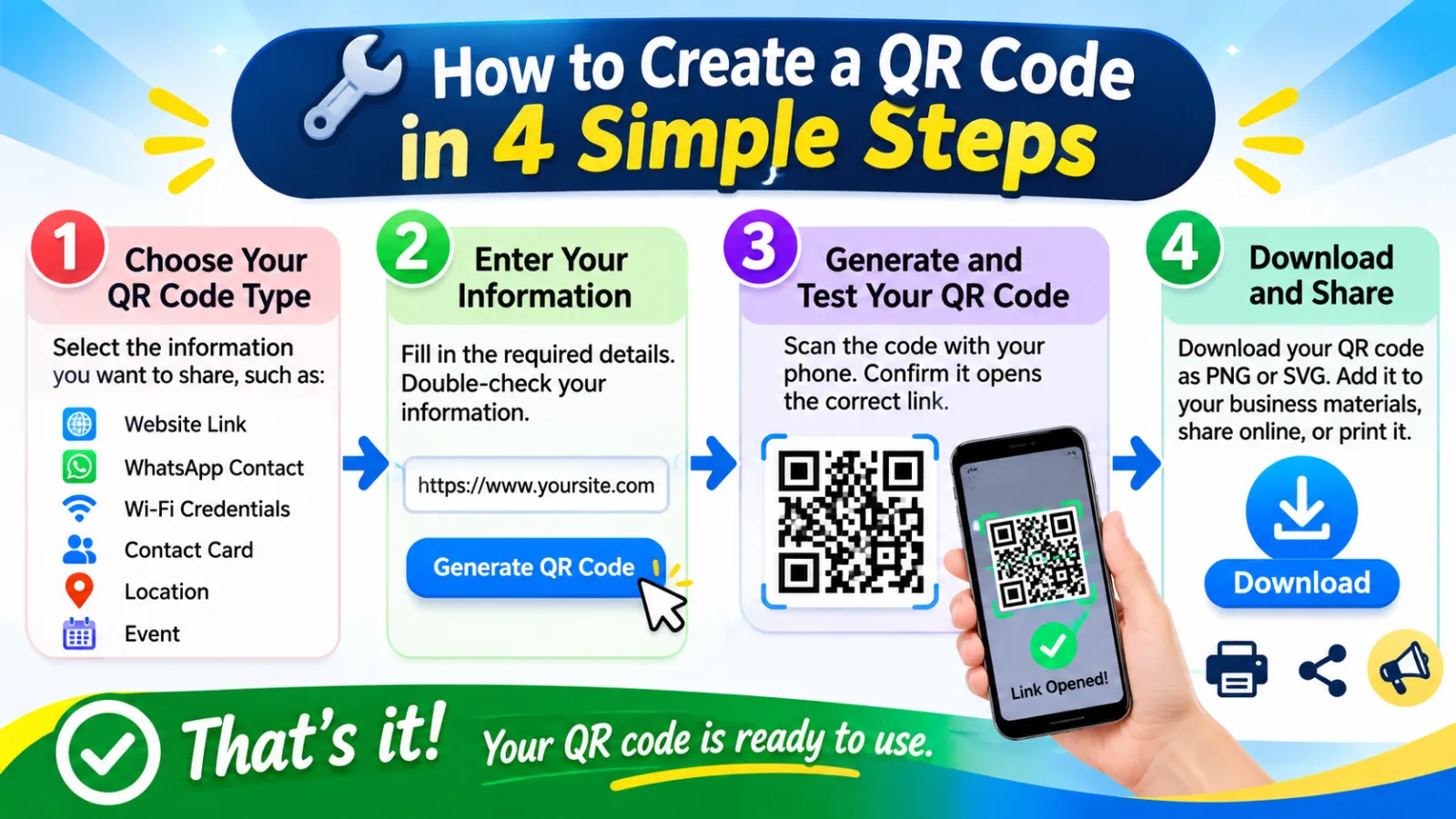
🛠️ How to Create a QR Code in 4 Simple Steps
Creating a QR code is easy.
Step 1
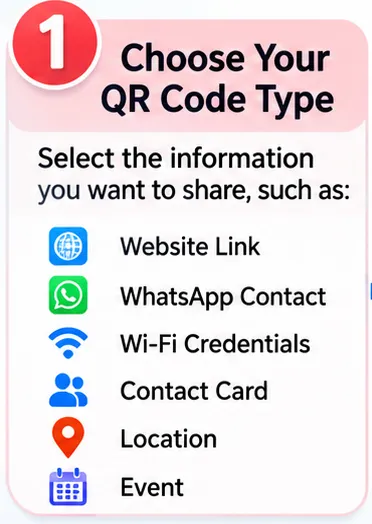
Choose Your QR Code Type
Select the information you want to share, such as a website link, WhatsApp contact, Wi-Fi credentials, contact card, location, or event.
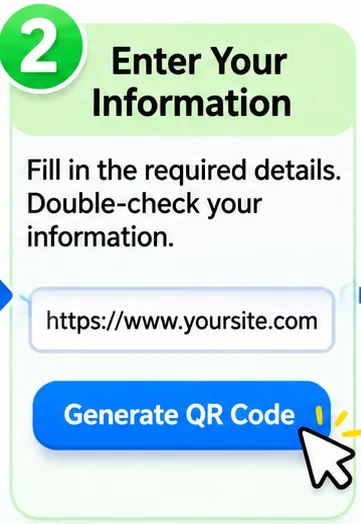
Step 2
Enter Your Information
Fill in the required details. Double-check your website address, phone number, or other information before generating the code.
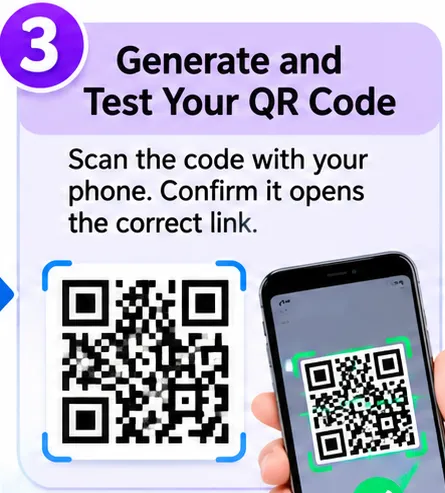
Step 3
Generate and Test Your QR Code
Generate your QR code and scan it with your phone. Confirm that it opens the correct link or displays the intended information.
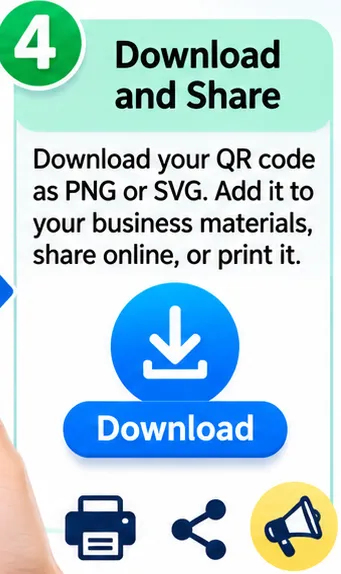
Step 4
Download and Share
Download your QR code as PNG or SVG, where supported. Add it to your business materials, share it online, or print it for customers.
That's it! Your QR code is ready to use.
💡 Creative Ways to Use QR Codes in Malaysia
🍜 Restaurants & Cafés
Place QR codes on tables to open digital menus, access Wi-Fi, or contact the restaurant through WhatsApp.
🛍️ Retail Shops
Add QR codes to product displays, packaging, and promotional posters to help customers discover product information or online stores.
🎪 Event Organizers
Print QR codes on invitations and posters to direct attendees to registration pages, schedules, or venue maps.
🏢 Small Businesses
Include QR codes on business cards, brochures, quotations, and invoices to make it easier for customers to find your website or contact you.
🏫 Schools & Educational Activities
Use QR codes on worksheets, notice boards, and learning materials to link students to educational resources.
🏠 Home & Personal Use
Create Wi-Fi QR codes for guests or share location links when inviting friends and family to gatherings.
✅ Tips for Making QR Codes Easy to Scan
Follow these tips:
Use strong contrast: Dark QR codes on a light background are generally easier to scan.
Keep a clear margin: Leave sufficient empty space around the QR code.
Choose an appropriate size: Make printed QR codes large enough for the intended scanning distance.
Test before printing: Scan the final design using more than one phone when possible.
Avoid excessive decoration: Logos and visual effects can interfere with scanning if they cover important code elements.
Use reliable links: Make sure the destination works and is suitable for your audience.
Check print quality: Avoid blurry, stretched, or pixelated QR codes.
For printed materials, test a physical sample before producing large quantities.
🔒 Are QR Codes Safe to Use?
If you are scanning a QR code from an unfamiliar source, check the destination before entering personal information, downloading files, or making payments.
When creating your own QR codes, use trusted links and avoid embedding confidential information in codes that will be publicly displayed.
Remember that a standard QR code containing a Wi-Fi password or contact details can expose that information to anyone who obtains and scans the code.
❓ Frequently Asked Questions
1. Is this QR code generator free?
2. Can I create a QR code for WhatsApp?
3. Can I create a Wi-Fi QR code?
4. What is the difference between PNG and SVG?
5. Can I print my QR code?
6. Do QR codes expire?
7. Can I use QR codes for my business?
🚀 Ready to Create Your QR Code?
Whether you're a business owner, café operator, retailer, event planner, student, or everyday user, you can create QR codes for the information you want to share.
Choose your QR code type, enter your information, generate your code, and download it for your next project.
👉 Try Our Free QR Code Generator Today!